
ISP Tracker Live Demo
See ISP Tracker in action
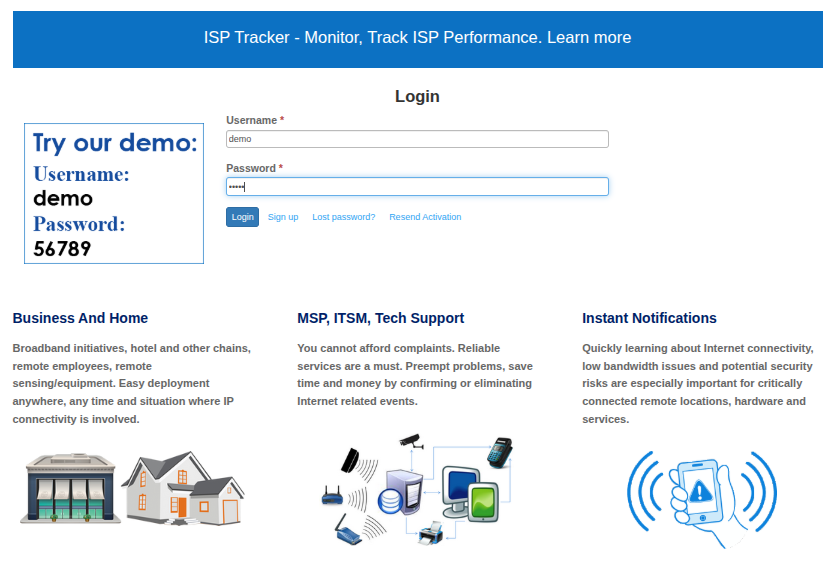
Reading about Internet monitoring is one thing. This is a real ISP Tracker account monitoring an Internet connection so you can explore the dashboard and reports yourself.
See how connection problems are presented, review historical information, and get a feel for the information available when an Internet connection needs investigation.
No setup required. Open the demo and explore.
Start with the explanation, not the raw data
ISP Tracker collects a large amount of technical information, but users should not have to begin by digging through it.
Start with the available summaries and assessments to see what ISP Tracker believes deserves attention. Then, if you want to investigate further, the supporting technical information is available throughout the dashboard.
The summary comes first. The detailed evidence is there when you want it.
A few things worth looking at
Current Connection
Problems & Outages
Historical Activity
Where Problems Appear
Network Path Information
Supporting Detail
You don’t need to be a network engineer to use ISP Tracker
There is a lot of information available in the demo because ISP Tracker collects information that may become useful when troubleshooting difficult or recurring Internet problems.
That does not mean users are expected to interpret every graph, network hop or technical report.
ISP Tracker is increasingly focused on analyzing that information and presenting useful summaries first.
For technical users, the deeper information remains available when they want to investigate further.
Imagine this across all the locations your organization depends on
This demo represents a single monitored Internet connection.
For a home or small business, one monitoring point can provide an independent history of the connection and help explain recurring problems.
For organizations, every additional monitored location provides another independent point of view. ISP Tracker can compare observations across locations, providers and network paths to help surface related activity and highlight what deserves attention.
About this demo
This is a shared demonstration account, so configuration changes are disabled and some settings are preset.
The demo is intended to let visitors explore how ISP Tracker presents monitoring information and reports without installing an agent first.
Some organization-level capabilities are not practical to demonstrate with a single shared monitoring location.
Ready to monitor a real connection?
Software agents provide an easy way to start, while dedicated hardware provides an always-on monitoring option.