
Internet Problems, Explained
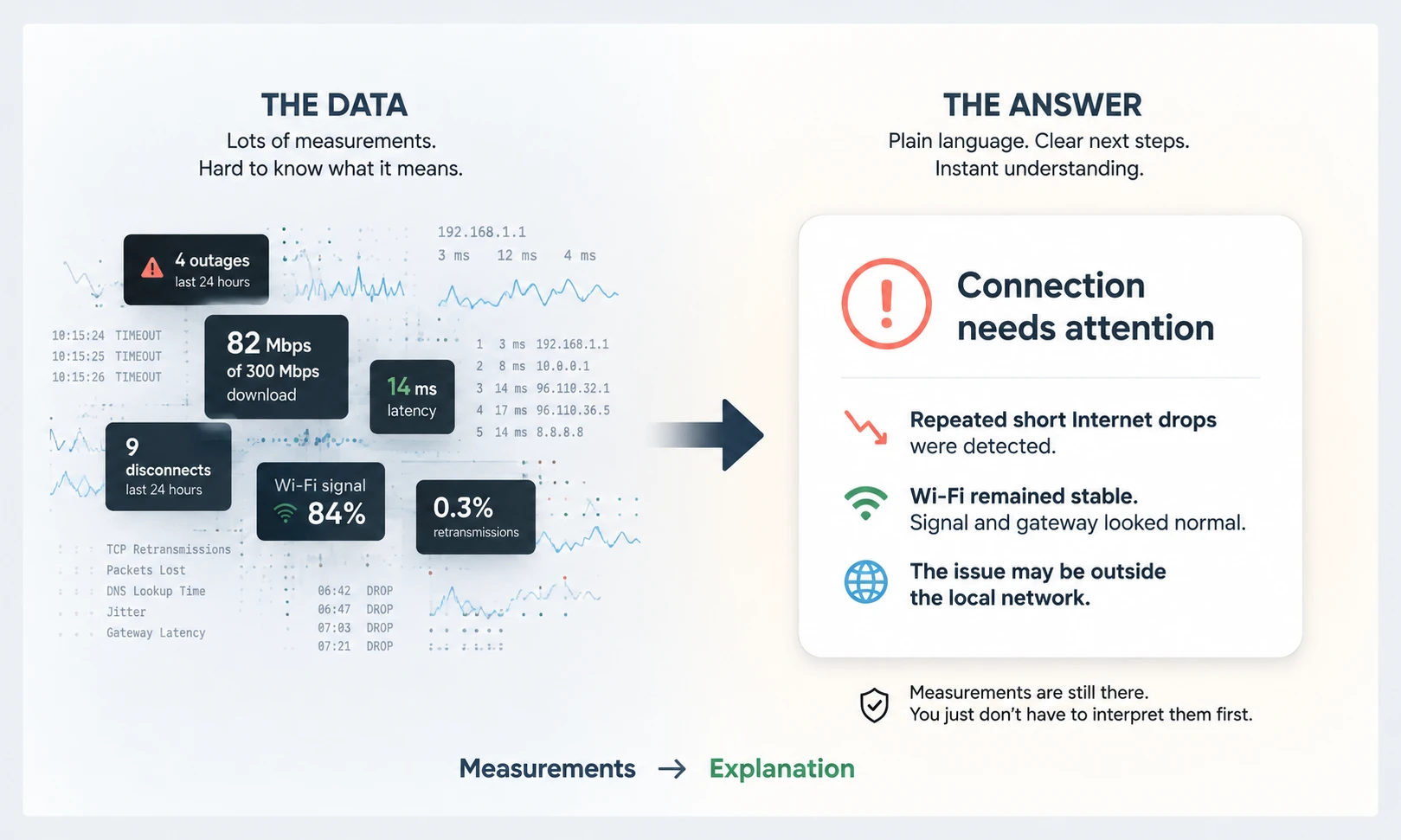
Monitoring can produce a lot of raw data. The harder part is understanding what all of those measurements mean together.
ISP Tracker analyzes outages, disconnections, connection history, performance measurements, and other available data to explain what appears to be happening and what deserves attention.
The examples below show the difference between seeing the measurements and understanding what they mean.
Home & Small Business
A few seconds of outages can still be a real problem
WHAT ISP TRACKER MEASURED
Last 24 hours
- 10 outages totaling 28 seconds
- No disconnections
- Average download: 57.1 Mbps
- Configured download: 100 Mbps
- Average upload: 30 Mbps
Last 7 days
- 70 outages totaling 3 minutes 28 seconds
- Busiest day: August 25 with 22 outages
ISP TRACKER SUMMARY
Your connection had 10 short outages in the last 24 hours. All of them pointed toward the Internet provider, with no outage evidence pointing to the local network.
This is also a recurring problem. ISP Tracker recorded 70 outages over the last seven days, with the most activity occurring on August 25 when 22 outages were recorded.
Download performance is another concern. Across 109 speed tests, download speed averaged 57.1 Mbps against the configured 100 Mbps, while upload averaged 30 Mbps against the configured 10 Mbps.
Taken together, the current evidence points to repeated provider-side interruptions along with below-configured download performance, rather than an isolated local-network problem.
Is it the Wi-Fi or the Internet connection?
WHAT ISP TRACKER MEASURED
- 36 outages in the last 24 hours
- 162 seconds total outage time
- 95 Wi-Fi measurements
- Wi-Fi signal remained very strong
- Very low Wi-Fi retransmission
- Local gateway response averaged 10.9 ms
ISP TRACKER SUMMARY
Your Internet connection had repeated short outages even though the local Wi-Fi measurements remained healthy.
The current evidence does not point to weak Wi-Fi as the cause. Wi-Fi signal remained strong, retransmissions were very low, and communication with the local gateway remained responsive while Internet outages were still being recorded.
This makes the connection beyond the local network more worthy of investigation rather than starting with the Wi-Fi inside the location.
IT & Organizations
When many connections are being monitored, the important question is not simply whether problems exist. It is which locations need attention, what they have in common, and where to investigate first.
Several Arizona connections need attention
ORGANIZATION SUMMARY
Several monitored Arizona connections need attention today. The pattern is not one long outage; it is repeated short interruptions across multiple locations.
The strongest pattern is on Sparklight/Cable One-related connections in Phoenix and Prescott. In the last 24 hours, these locations recorded brief outages and disconnections, and the seven-day history shows the same behavior recurring. The outage evidence was mostly classified as pointing to the Internet provider, not the local network.
LOCATIONS NEEDING ATTENTION
Phoenix location
16 outages in the last 24 hours totaling 46 seconds, plus 12 disconnections. Over seven days, 71 outages were recorded, all classified as provider-side.
Prescott location
8 outages in the last 24 hours totaling 24 seconds, plus 10 disconnections. Over seven days, 55 outages were recorded, all classified as provider-side.
Second Phoenix location
5 outages in the last 24 hours totaling 14 seconds, plus 3 disconnections. Over seven days, 48 outages were recorded, mostly classified as provider-side.
WHAT THIS MEANS
This does not look like a single isolated outage. It looks like recurring brief interruptions affecting several monitored connections in related Arizona areas. Because the evidence points mainly beyond the local network, the first place to investigate is the provider connection rather than Wi-Fi or local LAN equipment.
Most Florida offices are online, but a few need attention
ORGANIZATION SUMMARY
Most Florida offices are online, but two locations need attention and one should be watched.
The main concern is not a company-wide outage. The evidence is location-specific: Jacksonville shows poor measured download performance compared with its configured speed, Tampa has a small number of brief outages with speed below configured download, and Orlando is currently not active while still showing recent disconnections.
LOCATIONS NEEDING ATTENTION
Jacksonville office
1 outage and 2 disconnections in the last 24 hours. Speed tests averaged 98.4 Mbps down against a configured 1000 Mbps download speed. Upload averaged 73 Mbps against 500 Mbps configured. The outage evidence in the last seven days was classified as provider-side.
Orlando office
No outage rows in the last 24 hours, but the agent is currently disconnected/inactive and recorded 3 recent disconnections. This location should be checked first because monitoring coverage itself is interrupted.
WORTH WATCHING
Tampa office
1 brief outage in the last 24 hours, lasting 4 seconds. Over seven days, 5 outages were recorded. The evidence was split between provider-side and beyond-provider classifications. Speed averaged 57.8 Mbps down against a configured 100 Mbps.
WHAT LOOKS NORMAL
West Palm Beach and Miami are online with no outages in the last 24 hours. They still show lower download averages than configured, but with only a few speed tests, this should be treated as a watch item rather than a firm conclusion.
The explanation comes first. The evidence is still there
ISP Tracker summaries do not replace the underlying monitoring data. They make that data easier to understand.
When more investigation is needed, the measurements, events, history, charts, and other supporting information remain available.
Start with an assessment of what deserves attention, then use the supporting evidence when more detail is needed.