
Internet problems, investigated and explained
Install an ISP Tracker agent at the location you want to monitor. It continuously observes the Internet connection and builds a history of normal behavior. When something goes wrong, ISP Tracker analyzes the available evidence and provides an understandable summary of what happened and where the problem appears to be.
The monitoring does the digging
ISP Tracker continuously builds a history of how each monitored connection normally behaves. When something changes, it analyzes the available evidence and starts with an understandable summary—not another pile of raw monitoring data. Across multiple locations, ISP Tracker can compare observations and surface related problems or patterns they may have in common.
Homes & Businesses
ISP Tracker analyzes the measurements from an individual monitored connection and explains what needs attention without requiring someone to interpret every outage, speed test, latency result, or Wi-Fi measurement first.
Combines available outage, speed, latency, Wi-Fi, and other measurements into an understandable assessment of what needs attention.
Identifies recurring outages, disconnections, and other patterns instead of treating every event as an isolated incident.
When the relevant measurements are available, shows whether the evidence points more toward Wi-Fi, the local connection, the provider, or something beyond it.
Preserves the measurements needed to explain what happened after the connection has recovered.
Overall Internet Health
Your connection needs attention today. ISP Tracker saw several short connection drops, while speed tests were mostly usable but below the configured download speed. Wi-Fi looked mostly stable, so the bigger issue may be the Internet connection itself rather than the local wireless network.
This is an example of summary text, not a representation of the ISP Tracker dashboard.
See Full Summary ExamplesIT & Organizations
ISP Tracker provides monitoring evidence across customers, locations, providers, and critical services so problems can be understood without beginning with a wall of raw measurements from every connection.
ISP Tracker can group related provider-area and service-reachability patterns from monitored locations.
Provider, location, path, service, timing, and other available evidence can show what affected connections have in common.
Individual monitored locations are analyzed so connection problems and the reasons behind them can be surfaced without starting from raw measurements.
Connection history remains available for comparison and investigation instead of requiring incidents to be reconstructed from memory days or weeks later.
Organization Internet Summary
Overall Internet health is mostly stable today. Most monitored locations look normal, while a small number need attention or are worth watching. The available evidence indicates that the current issues are concentrated at individual locations rather than showing one shared organization-wide service failure.
This illustrates the kind of organization-wide summary being developed from existing ISP Tracker monitoring data. It is not a screenshot of the current dashboard.
See Organization Summary ExamplesLet ISP Tracker collect the evidence automatically
A continuously running monitoring agent keeps measurements from before a problem, while it is happening, and after the connection recovers, so there is evidence even when the connection is working again. When other monitored locations see similar trouble, those additional observations help ISP Tracker compare what is happening.
See what's happening now — or start collecting evidence before the next problem
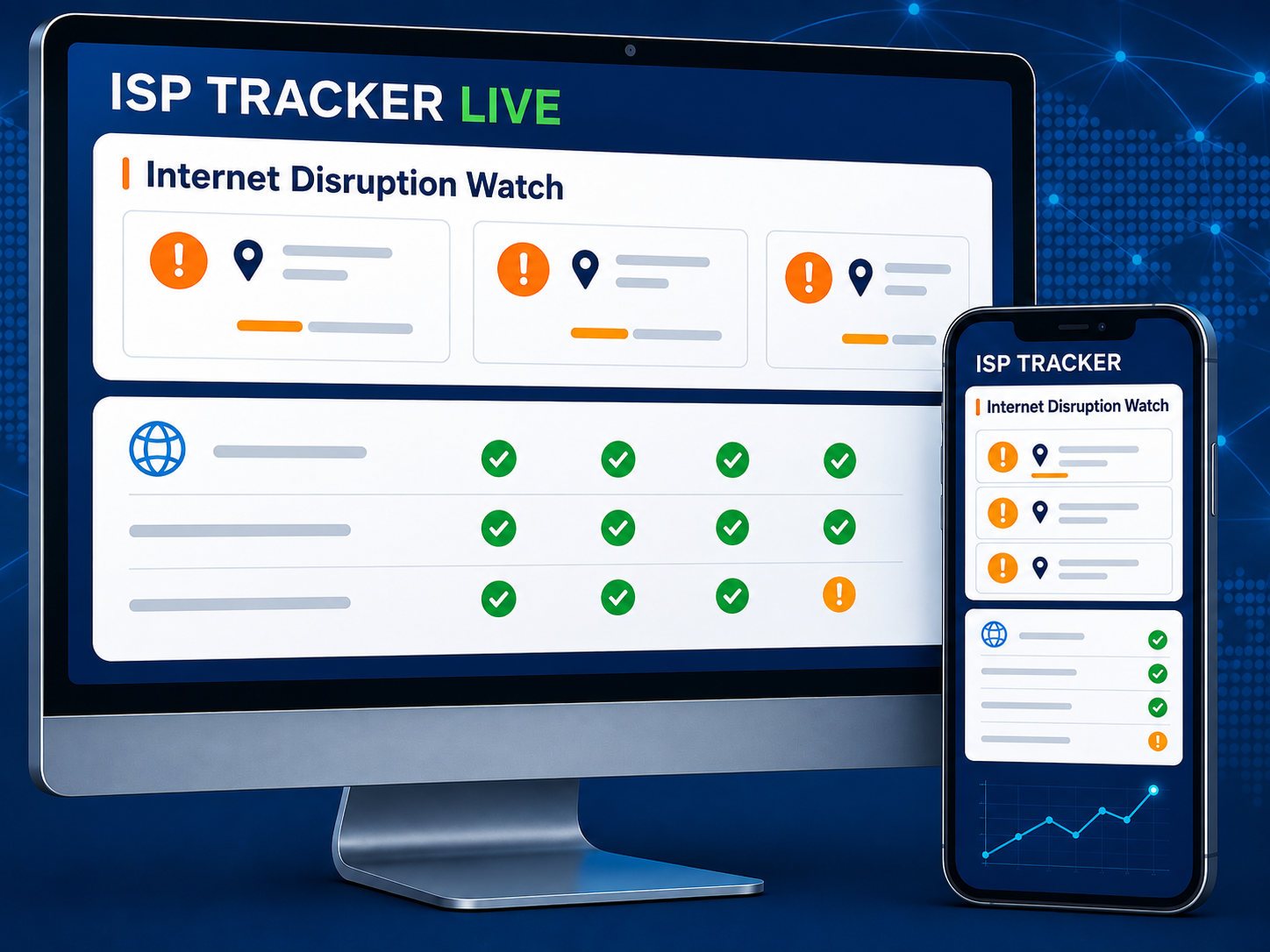
ISP Tracker Live shows selected current activity and investigations. A monitoring agent adds measurements from the connections that matter.