
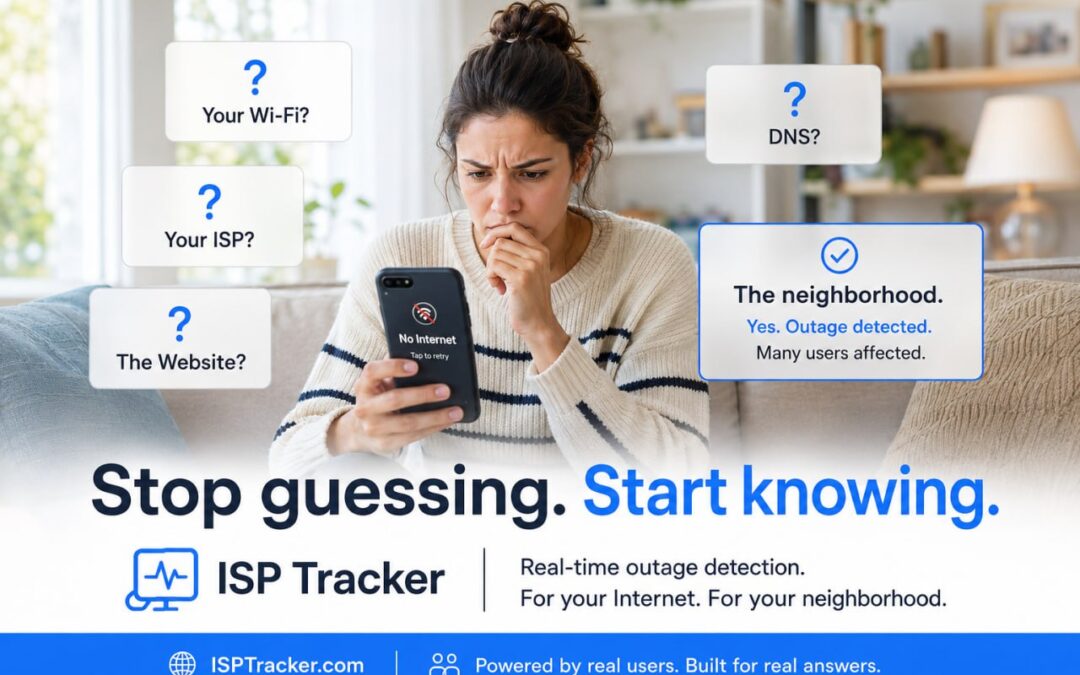
Stop guessing where the problem is
We’ve been quietly working on something new that we’d like everyone to try: ISP Tracker Live.
Unlike the main ISP Tracker dashboard, which focuses on your own agents and historical reports, ISP Tracker Live helps answer the questions people ask whenever the Internet stops working.
Useful before you install an agent
The goal is to make ISP Tracker useful even before someone installs an agent.
As our monitoring network grows, ISP Tracker Live becomes increasingly useful by comparing information from monitors in different locations. This can help show whether a problem appears to be local, related to an Internet provider, connected to a website, or affecting a wider area.
Local Status is now included with every agent
Another recent addition is Local Status, now built into every current ISP Tracker agent.
After installing or updating your agent, open the following address from any device on the same local network:
http://your-agent-ip:8088/
Local Status provides a quick view of useful information about your connection, including your router, gateway, DNS, provider path, ISP information, recent alerts, and other connection details.
We’d really like your feedback
One thing we’ve learned over the years is that members often tell us they loved the service only when they no longer need it and are cancelling.
We’d much rather hear from you while you’re still using it.
If you’ve tried ISP Tracker Live or Local Status, we’d really appreciate a few minutes of your time. Please tell us:
- What do you like?
- What would you change?
- Was anything confusing?
- What would make you return regularly?
Your feedback directly influences what we improve and build next. You can log in to the support forums using the same username and password you use for app.isptracker.com.
Thanks for helping us make ISP Tracker better for everyone.